.png?width=150&height=30&name=deskfound-logo(500w).png)
🅿️ Setup Parking
This article describes how to setup and manage parking stalls.
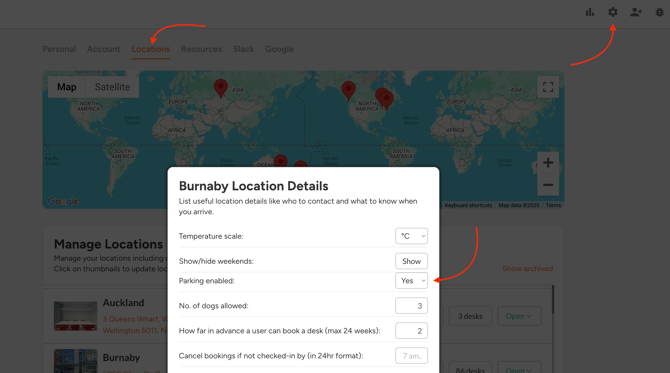
In order to start reserving parking stalls, first make sure the parking option is enabled in Location settings. You can access this page by:
- Clicking on "Settings" button in the top right corner
- Select "Locations" tab
- Scroll down the list and find the location you need and click on "Settings"
- Set "Parking enabled" to "Yes"
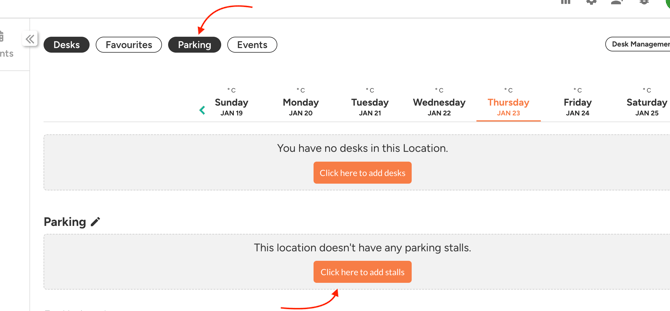
Navigate to your location's book page and make sure the "Parking" pill is selected. Then click on the orange button to start adding stalls.
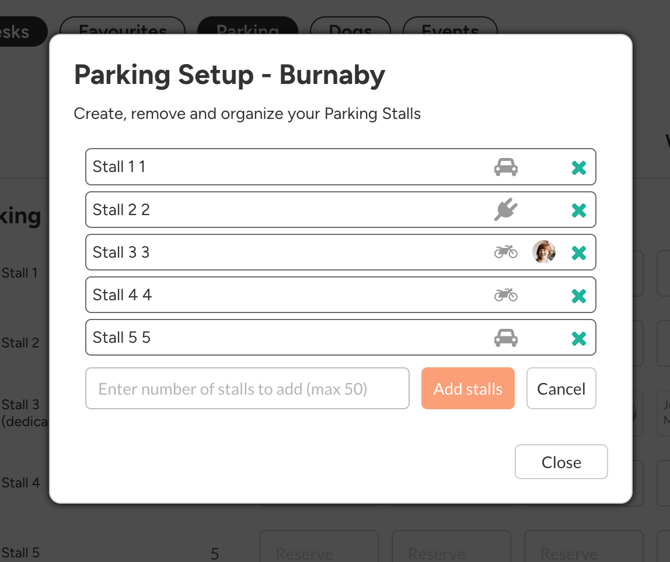
Now you can manage your parking stalls in the Parking Setup window: