.png?width=150&height=30&name=deskfound-logo(500w).png)
Getting started with Deskfound in Slack
How to use Deskfound in Slack
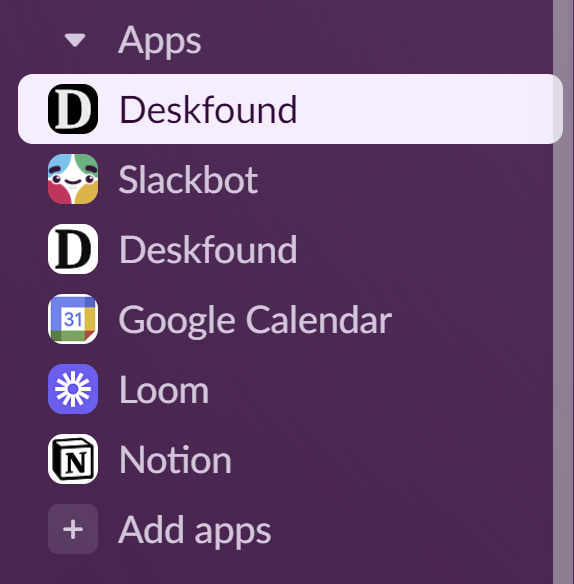
To access the Deskfound app in Slack click Deskfound in the Apps list.
Using the Home tab
From the Home tab you can make new bookings, view your upcoming bookings and see what's going on at the office that day and week.

Using the Messages tab
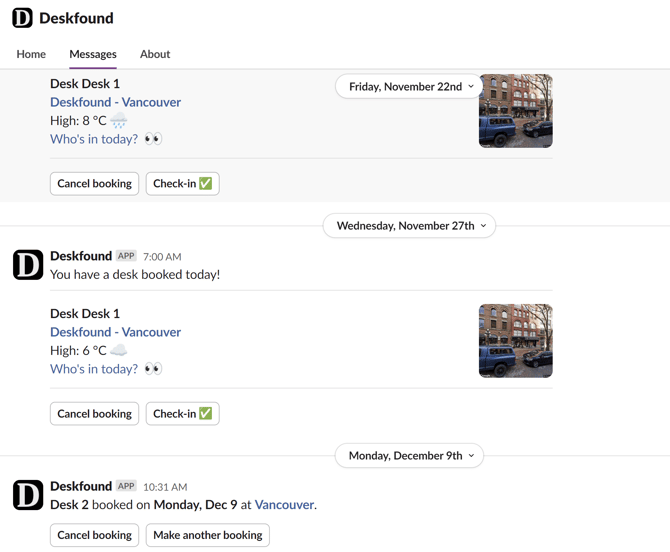
The Messages tab is where you will see booking confirmations and booking reminders.
Making a desk booking
There are two ways to make a desk booking from Slack.
-
Go to the Home tab and click the New Booking button.
-
Use the slash command /book from any message input.
Both of these methods will open the Book a desk pop-up in Slack.
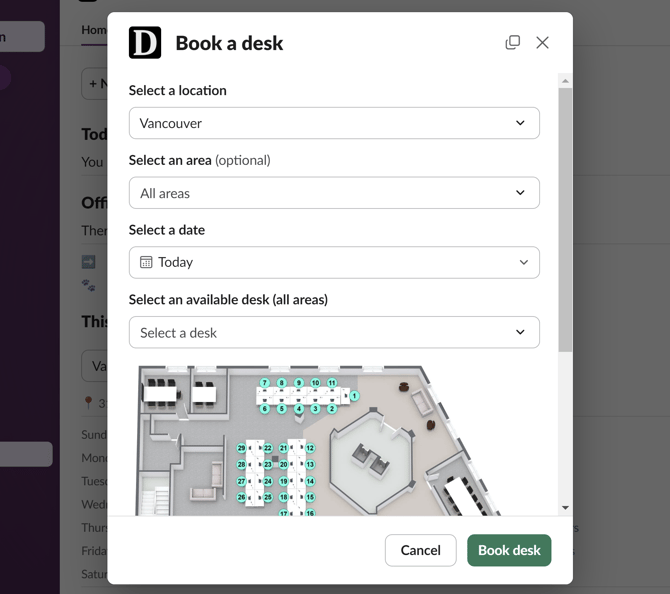
Make your selections and click Book desk to make your booking.
You should get a booking confirmation message on the Messages tab and you can also manage the booking from the Upcoming bookings section on the Home tab.