.png?width=150&height=30&name=deskfound-logo(500w).png)
In order to book a meeting or a conference room, this feature needs to be enabled by your admin. Once enabled, you will see your meeting rooms available for booking. Open a meeting room to view it's calendar and create a booking.
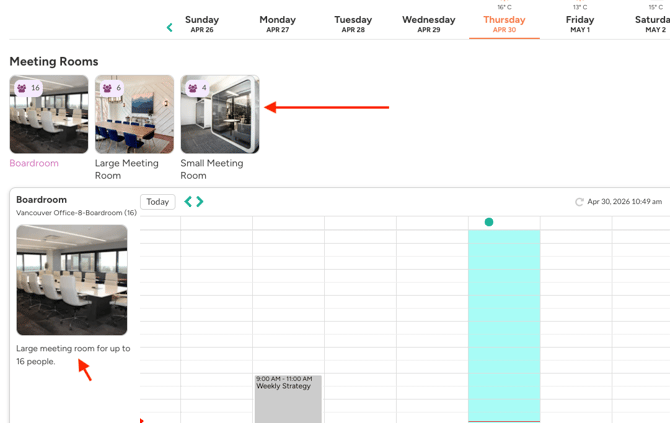
On this page you can also view all the resources available in that room.
Please note: this feature is only available if you've logged in using your Google Workspace account and provided access to your Google Calendar.