.png?width=150&height=30&name=deskfound-logo(500w).png)
Manage billing
This article explains how to manage your billing settings yourself.
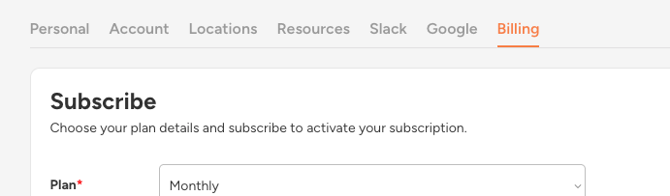
Your super admin can access the billing page by clicking the Settings button (⚙️ icon in the top-right corner), then selecting the Billing tab.
Next, scroll down and select “Open Self-Service Portal.”
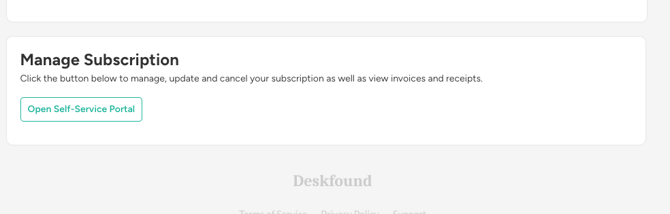
This opens a secure, Stripe-hosted self-management page where you can view your subscription details, download invoices and receipts, and update payment information. Please note: this billing page is only accessible to the organization’s admin who created your Deskfound account.